
Online Safety
At Days Lane we understand that in an ever-changing world where social media has become such a major influence in our lives we understand that this can be a worry for us all. We have put together some useful resources to help you and your children understand and deal with the possible negative effects of using social media platforms.
Online Safety - Links for Pupils

CEOP
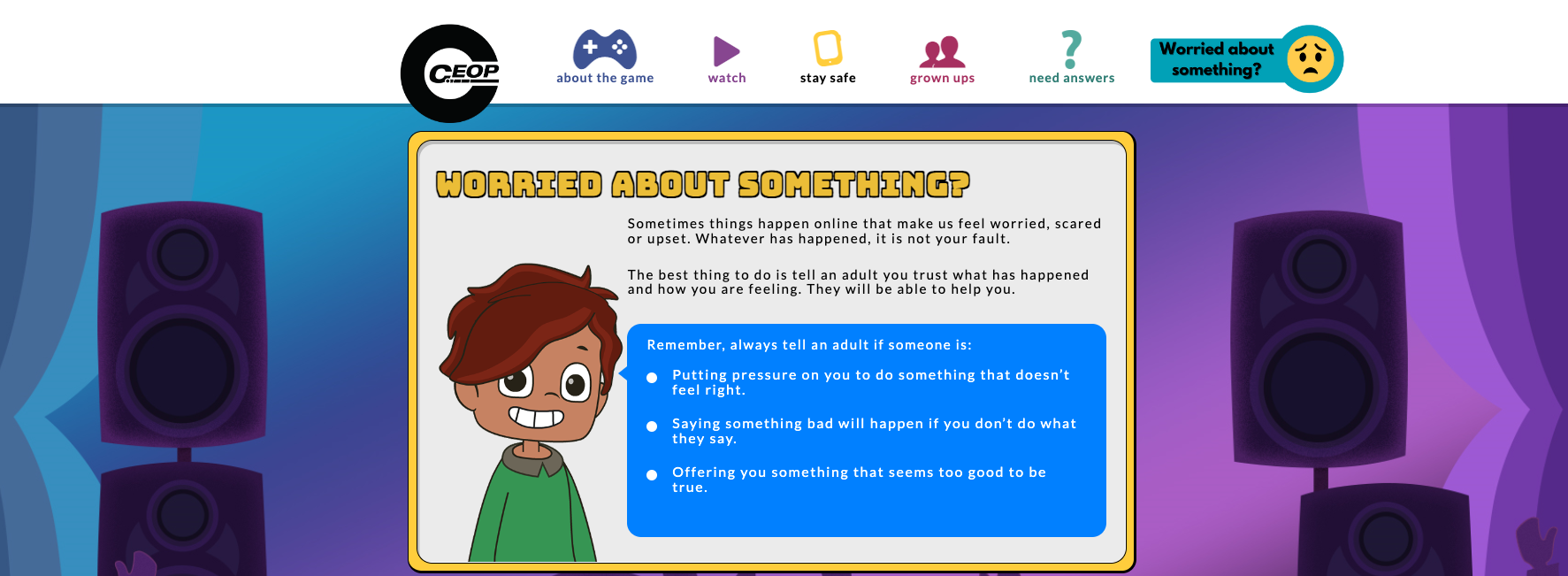
Are you worried about the way someone has been communicating with you online?
Make a report to one of CEOP's Child Protection Advisors.

Childnet Children Zone
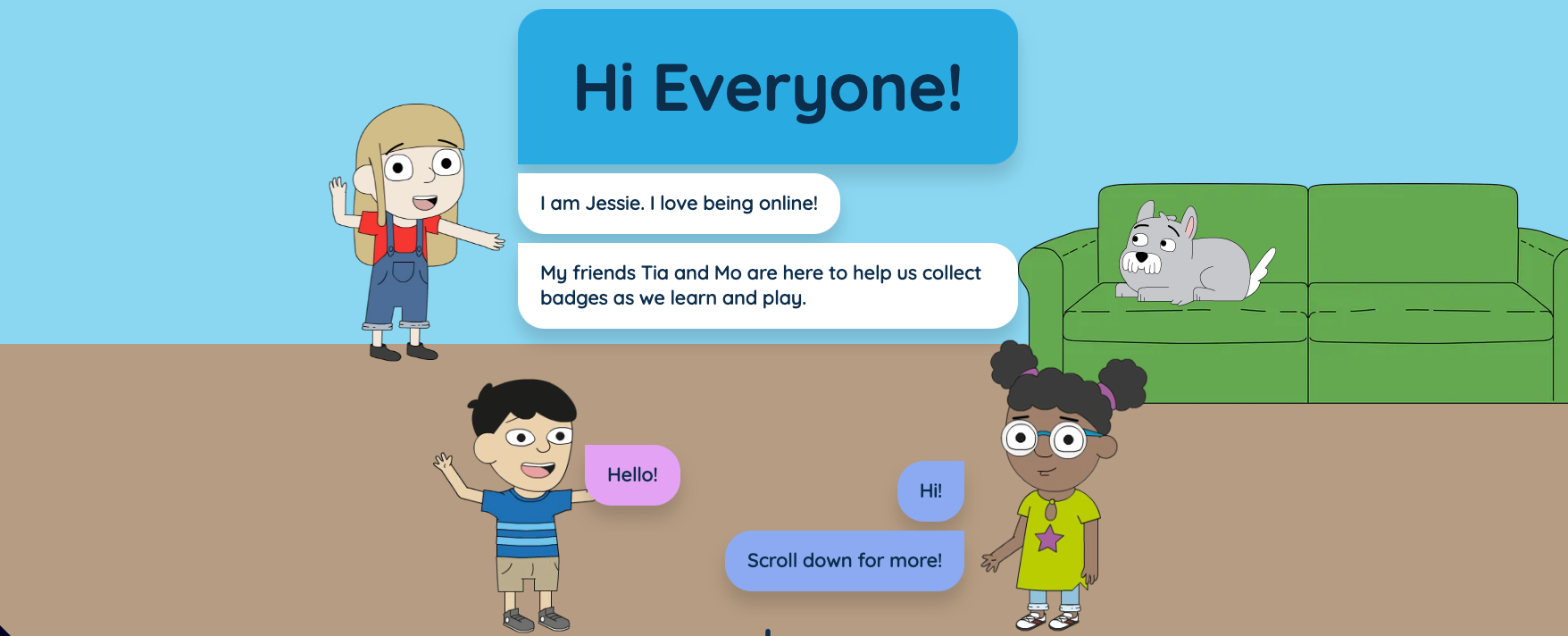
Welcome to the children's activity zone! The internet is a wonderful place to explore and discover new things, to connect and communicate with others and to be creative.
Childline
Call us free on 0800 1111 or find out how to get in touch online. Whatever your worry, we're here for you.
Online Safety links for Parents
The following websites provide safety tips, guidance and advice to parents regarding online safety for their children
CEOP
Are you worried about online sexual abuse or the way someone has been communicating with you online?
Make a report to one of CEOP's Child Protection Advisors
Childnet International
Childnet produce educational resources for children, parents and teachers about a range of topics, including cyberbullying, sexting, copyright and grooming.
These are available for free online.
UK Safer Internet Centre
Welcome to the UK Safer Internet Centre, where you can find online safety tips, advice and resources to help children and young people stay safe online.

National Online Safety
At National Online Safety we believe in empowering parents, carers and trusted adults with the information they need to hold informed and age-appropriate conversations about online safety with their child, should they feel it is needed. Every Wednesday we produce guides to focus on specific platforms/risks which we believe trusted adults should be aware of.

Internet Matters
From age-specific online safety checklists to guides on how to set parental controls on a range of devices, you’ll find a host of practical tips to help children get the most out of their digital world.

Apple Parental Controls Guide
Set up parental controls on your child's iPhone, iPad and iPod touch. You can block or limit specific apps and features on your child's device. And restrict the settings on your iPhone, iPad, or iPod touch for explicit content, purchases, downloads and privacy.
Android Parental Control Guides
Set up parental controls on Google Play. When you turn on parental controls, you can restrict what content can be downloaded or purchased from Google Play.
Telephone Helplines



Safer Search Engines for Children